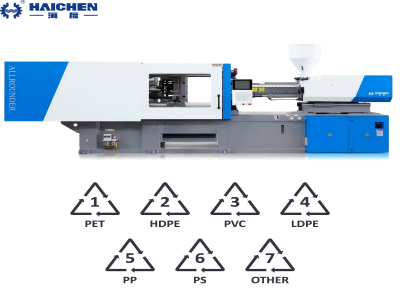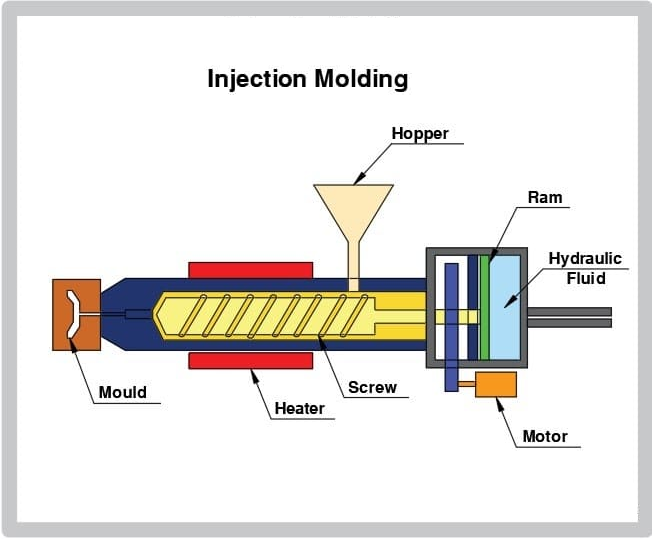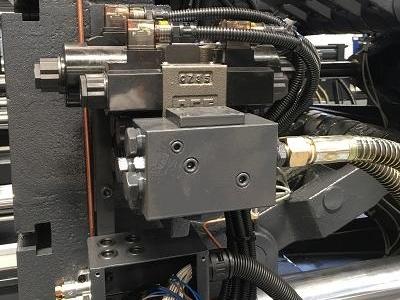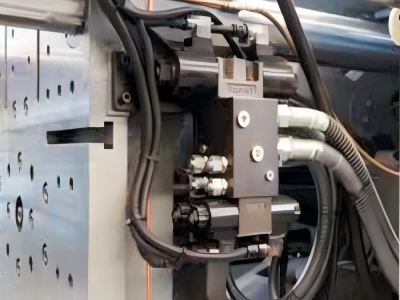
A comprehensive PLC troubleshooting guide needs to cover common problems, such as communication interruptions, signal transmission failures, and program errors, while providing specific troubleshooting steps and quick solutions.
The manual begins with an introduction to typical fault types – hardware damage, software defects, and communication anomalies.
Then, the steps to deal with each problem are explained step by step. You will see common tools and detection techniques to help quickly locate and solve the problem.
The last part shares daily maintenance suggestions to guide you to establish a regular inspection habit to keep the PLC system running stably for a long time.
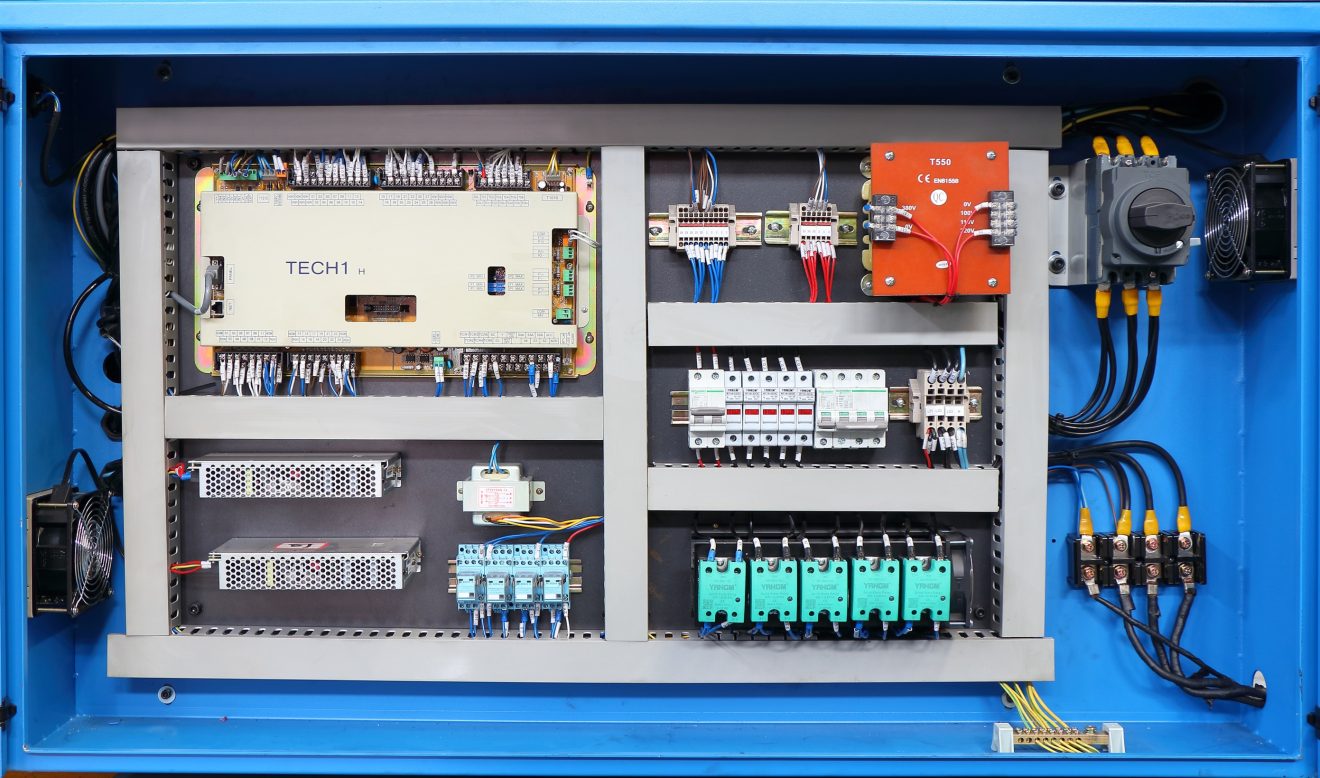
Common failure points of PLC in injection molding machine
PLC is the core control system of injection molding machine. Being familiar with its common failure types can help to respond to problems quickly and reduce downtime.
- Hardware failure
- Software and program problems
Hardware failure
- Abnormal power supply: unstable voltage or insufficient power supply can cause the machine to stop suddenly, the program to freeze or unexpected power outage. Common causes include power module damage, voltage fluctuations or cable corrosion and aging.
- I/O module failure: When the input/output module is abnormal, the sensor data may be wrong, and the actuator action timing may deviate, which directly affects the product dimensional accuracy. It is mostly caused by loose terminals, burned circuit boards or broken lines.
- Communication interruption: Real-time data exchange between PLC and HMI interface, encoder, drive and other devices is blocked. It is usually caused by damaged communication cables, incorrect parameter configuration or incompatible protocols.
Software and program problems
- Logical programming errors: Code defects in PLC programs (such as missing semicolons, incorrect conditional judgments, and memory address call errors) may cause abnormal mold movement speed or uncontrolled holding time.
- Firmware version conflict: Outdated or damaged firmware is easily incompatible with new sensors/actuators, causing unstable system operation, random shutdowns or disordered actions.
- Configuration parameter errors: Incorrect settings of IP address, baud rate or communication mode will cause the PLC to be disconnected from the control network, resulting in alarm failure or feedback data loss.
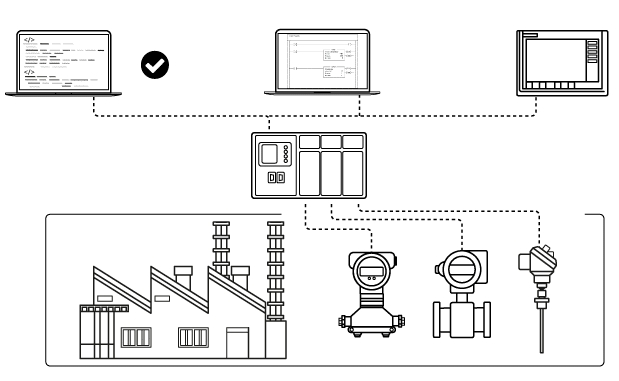
Step-by-Step Troubleshooting for PLCs in Injection Molding Machines
- Initial Assessment
- Diagnostic Tools and Techniques
- Software and Firmware Checks
Initial Assessment
- Gather Information: Begin by poring over the manuals, fault lists, and any maintenance logs filed since the trouble began. Ask operators what they see and hear, and whether screens, switches, or knobs were changed before the fault appeared.
- Visual Inspection: Next, look over the PLC, cables, and connectors. Wiggle terminals, glance for scorch marks, and check that every LED shows the color and blink pattern that tells you all is well.
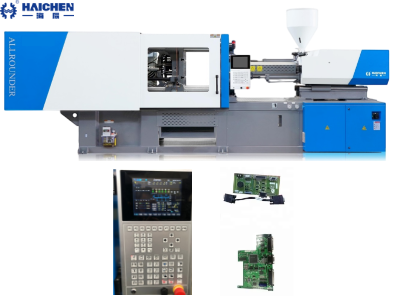
Diagnostic Tools and Techniques
- Built-in Diagnostic Tools: Most modern PLCs have their own self-check features, so start there. Just read the on-screen log or open the companion app to see any error codes or warnings.
- Verify the Power Supply: With a multimeter, measure the voltage at the PLC’s power terminals. It should sit squarely within the spec and stay steady; watch for dips or spikes.
- Check the I/O Modules: Examine the input and output cards to make sure they respond as they should. A continuity tester can find broken wires and, of course, manually trigger sensors and actuators.
- Network and Communication Checks: If signals fail, run network diagnostics to scan cables and settings. Confirm that every device is seated, wired properly, and configured with the right addresses.
Software and Firmware Checks
- Review Programming Logic: Go through the PLC code slowly, looking for missed steps or odd loops. Run that logic in a simulator so you see how it behaves before loading it on the real machine.
- Update Firmware: Confirm the control unit is running the latest firmware. Head to the makers support page and follow their update guide step by step.
- Verify Configuration Settings:Scan every PLC setting-IP address, baud rate, subnet, anything that talks to the network. Match them against the design notes and check that every device on the bus will understand.
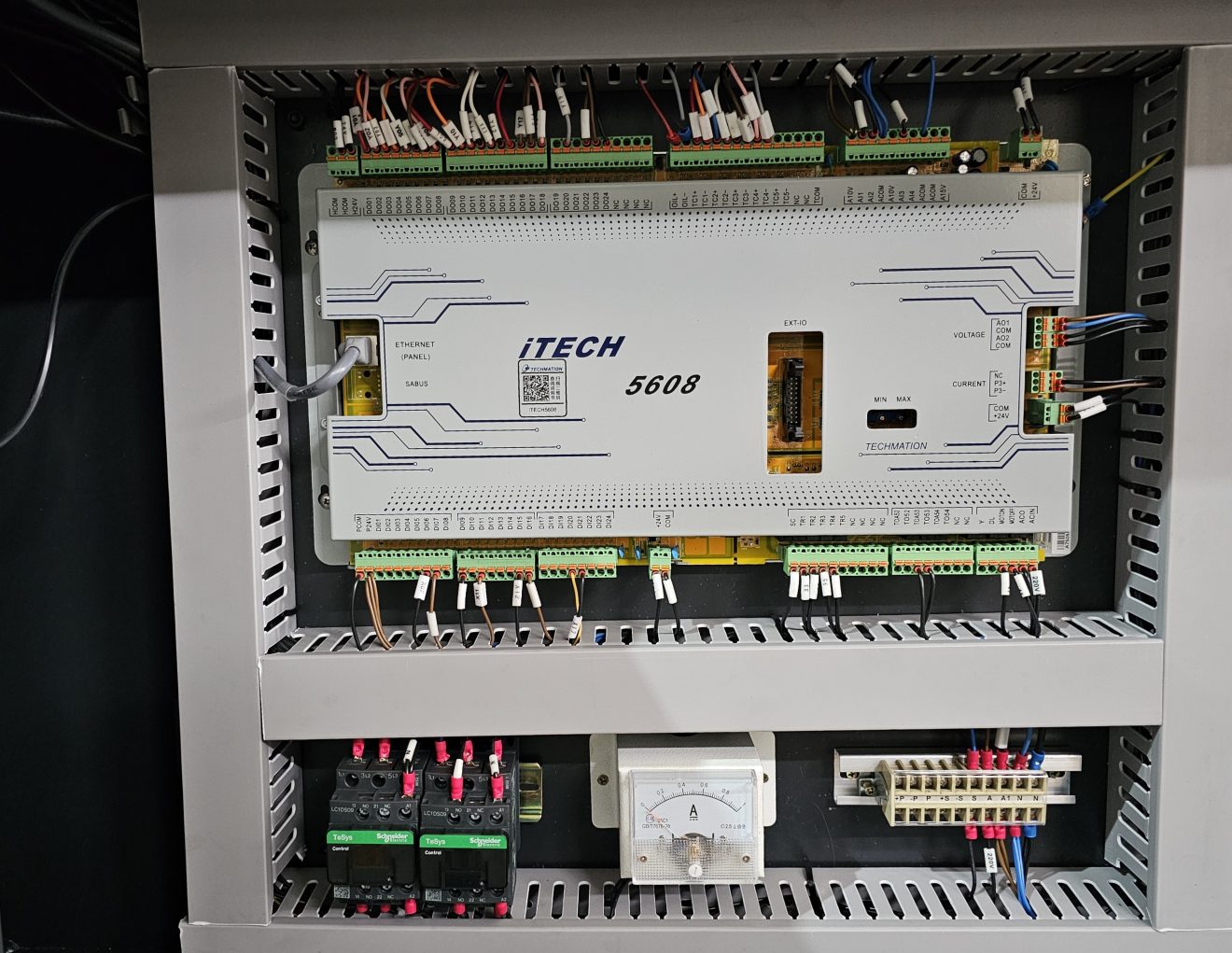
Practical Tips for Preventive Maintenance
- Regular Inspections and Cleaning
- Software Management
- Operator Training and Documentation
Regular Inspections and Cleaning
- Scheduled Maintenance: Inspect the panel and nearby wiring on a set timetable. Swap out tired parts and tighten connections so everything runs smooth.
- Clean and Organize: Dust the cabinet and wipe down cables to stop grime from insulating contacts. Clear the vents so hot air gets out and the processor stays cool.
Software Management
- Backup Programs: Store backups of programs in the cloud and on a USB. Review logs every month-watch for patterns, then fix small glitches while they are still small.
- Version Control: Maintain detailed records of software and firmware versions. Document any changes or updates to the PLC program or settings.
Operator Training and Documentation
- Training Programs: Offer hands-on sessions for operators and maintenance crews so they know the PLC inside and out. This includes daily use, quick fixes, and the safety steps they must follow.
- Maintenance Logs: Record every service task, part change, and odd glitch in detail. Review those notes regularly to spot trends early and sharpen your preventive-maintenance plan.
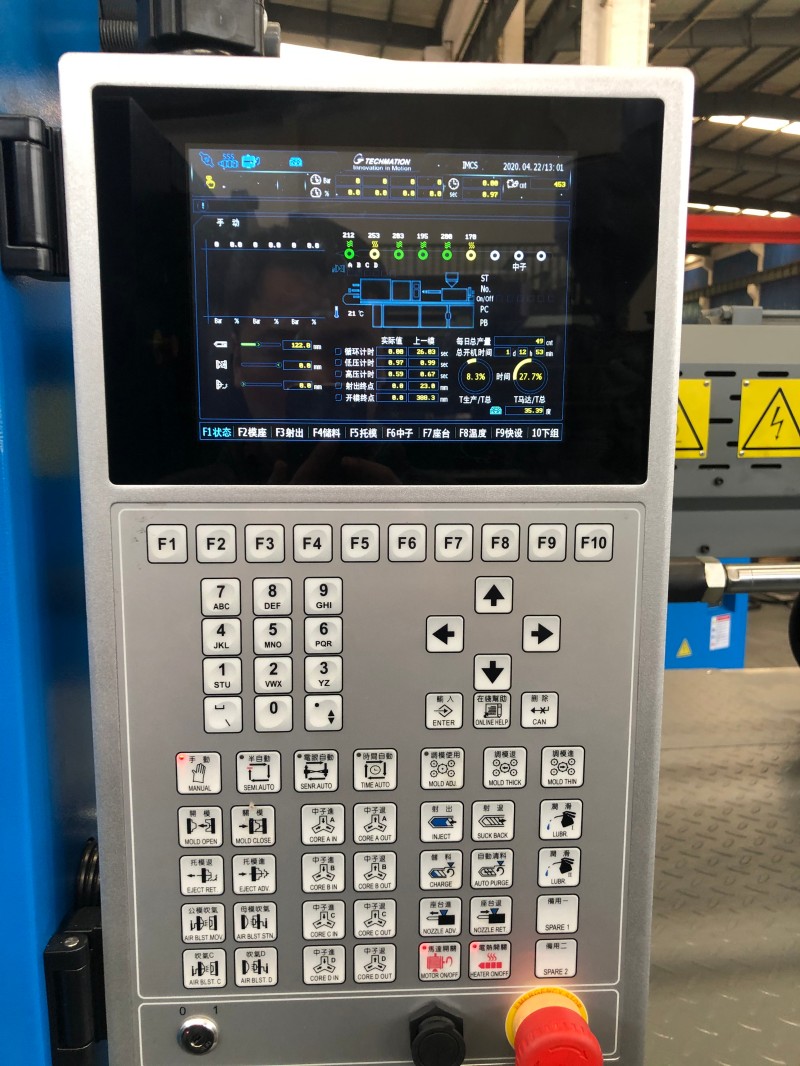
In the production of injection molding machines, PLC (Programmable Logic Controller) is the core control component, and its stable operation is directly related to the continuity of the entire production line. Operators can effectively reduce downtime and ensure product quality consistency by mastering typical fault characteristics, following a systematic troubleshooting process, and paying attention to regular maintenance of equipment.
If you plan to purchase new injection molding equipment, our technical team will provide you with selection recommendations and provide long-term technical support throughout the life cycle of the equipment.